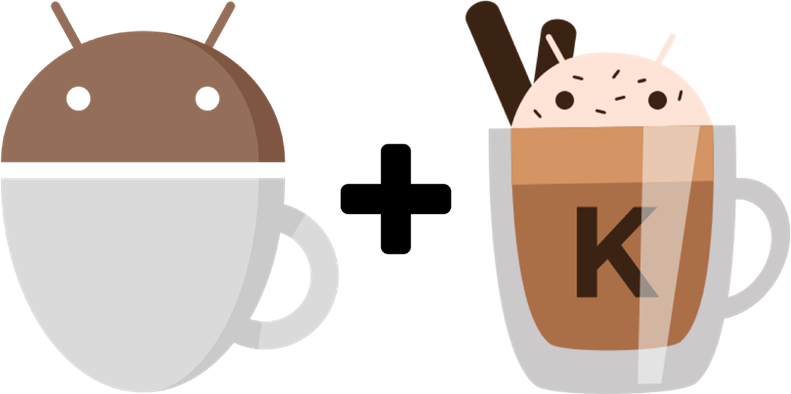
Comparing Espresso and Kakao
Espresso is a powerful tool that allows us to create efficient UI tests. However, the API of this framework can be improved in the case of the Kakao framework. As a result, we can develop tests without boilerplate code.
In addition, Kakao framework allows us to inject code between Kakao → Espresso call chain. It can help us to create a description of a test case, improve logging, repeat failed action, etc.
Sometimes even the Kakao framework is not enough for creating short and declarative E2E test cases. However, we can use the Kakao framework without additional DSL in many cases.
Espresso:
- Small
- Predictable
- Easy to learn API
Kakao:
- Readability
- Reusability
- Extensible DSL
Now, let us examine the simple example
Testing Example
On main were going to have a button as visible, a text view saying “Hello World” and an image view in “invisible” state.
Clicking the button will display our image view and our text going to display “Hello Kakao World”.
First, let’s look at our main
class KakaoActivity : AppCompatActivity() {
    override fun onCreate(savedInstanceState: Bundle?) {
        super.onCreate(savedInstanceState)
        setContentView(R.layout.activity_kakao)
        button_update.setOnClickListener {
            text_view_hello.text = "Hello Kakao World!"
            image_view_kakao.visibility = View.VISIBLE
        }
    }
}
Espresso Test
For comparison’s sake let’s conduct our test in Espresso’s framework.
@RunWith(AndroidJUnit4::class)
class KakaoActivityEspressoTest {

    @JvmField
    @Rule
    val testRule = ActivityTestRule<KakaoActivity>(KakaoActivity::class.java)
    @Test
    fun initialViewsDisplayedProperly() {
        onView(withId(R.id.button_update)).check(matches(isDisplayed()))
        onView(withId(R.id.text_view_hello)).check(matches(isDisplayed()))
        onView(withId(R.id.image_view_kakao)).check(matches(not(isDisplayed())))
        onView(withId(R.id.text_view_hello))
            .check(matches(withText(containsString("Hello World!"))))
    }
    @Test
    fun textShouldBeUpdateAndImageDisplayedOnButtonClick() {
        onView(withId(R.id.button_update)).perform(click())
        onView(withId(R.id.image_view_kakao)).check(matches(isDisplayed()))
        onView(withId(R.id.text_view_hello))
            .check(matches(withText(containsString("Hello Kakao World!"))))
    }
}
Kakao Test
On Kakao, firstly we have to create the Screen elements that we’re going to test.
class KakaoScreen : Screen<KakaoScreen>() {
    val helloTextView: KTextView =
        KTextView { withId(R.id.text_view_hello) }
    val button: KButton =
        KButton { withId(R.id.button_update) }
    val imageView: KImageView =
        KImageView { withId(R.id.image_view_kakao) }
}
Then we can start our Kakao Tests
@RunWith(AndroidJUnit4::class)
class KakaoActivityKakaoTest {

    @JvmField
    @Rule
    val testRule = ActivityTestRule<KakaoActivity>(KakaoActivity::class.java)
    private val kakaoScreen = KakaoScreen()
    @Test
    fun initialViewsDisplayedProperly() {
        kakaoScreen {
            button { isDisplayed() }
            helloTextView {
                isDisplayed()
                hasText("Hello World!")
            }
            imageView { isNotDisplayed() }
        }
    }
    @Test
    fun textShouldBeUpdateAndImageDisplayedOnButtonClick() {
        kakaoScreen {
            button { click() }
            helloTextView {
                isDisplayed()
                hasText("Hello Kakao World!")
            }
            imageView { isDisplayed() }
        }
    }
}